Employee onboarding
Onboarding that starts before day one
Invite new hires as soon as they accept. Required courses with due dates wait in their To Learn.


Set up onboarding once
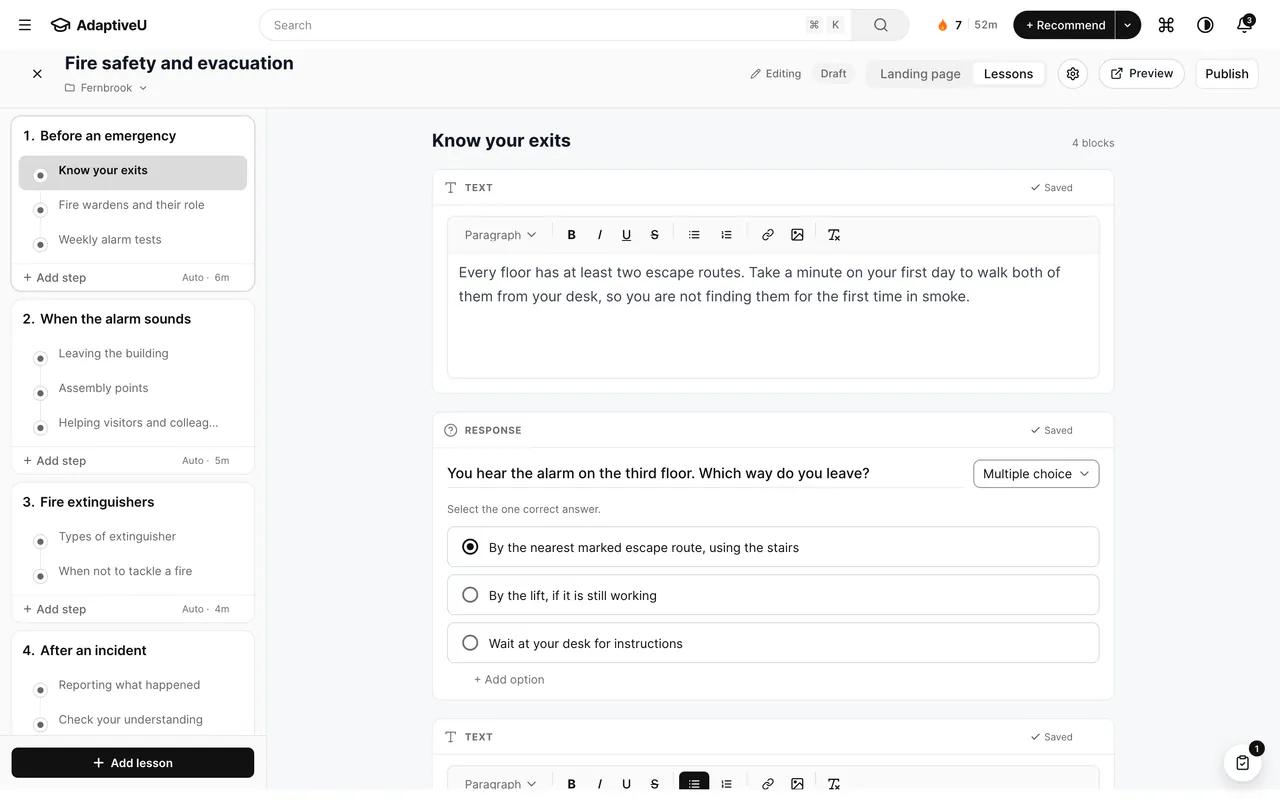
Build the onboarding course
Combine a welcome video, your handbook as a File block and a short quiz in the course editor.
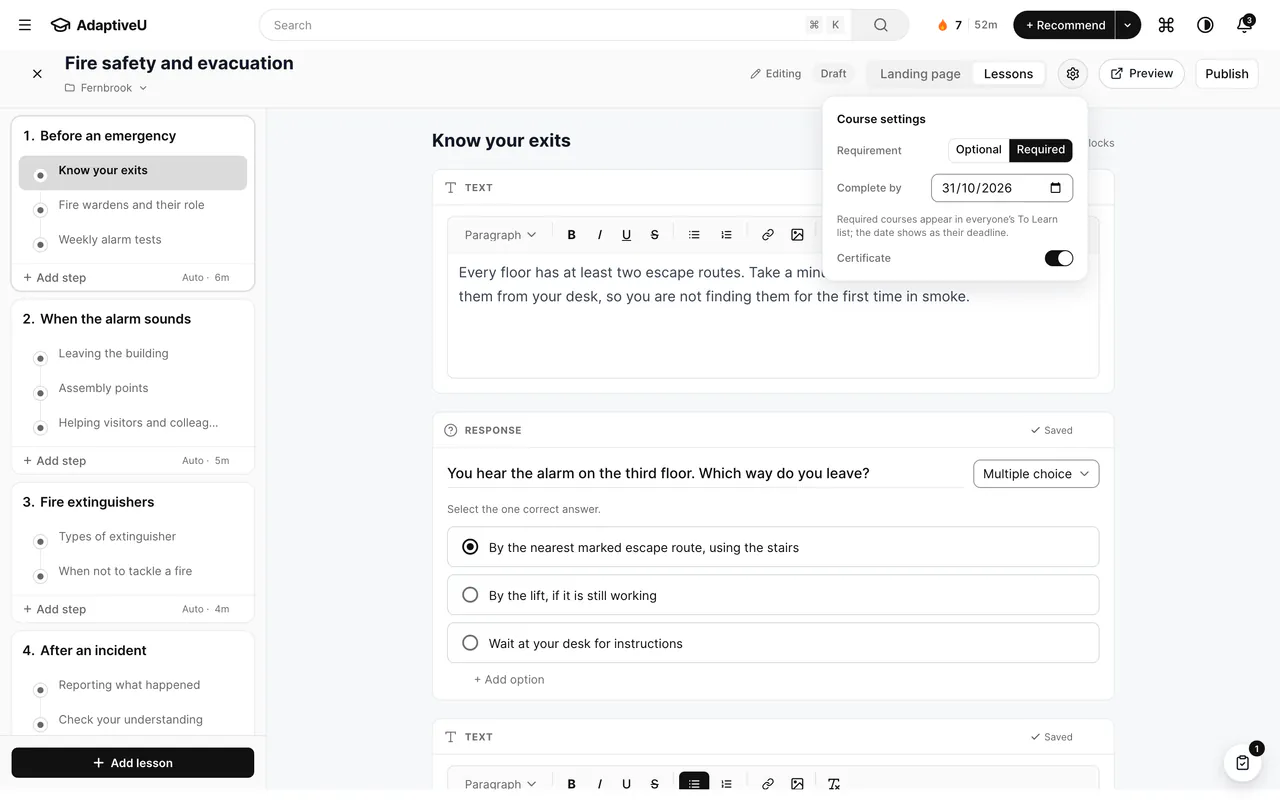
Make it Required
Set a Complete by date. The course appears in everyone’s To Learn, new hires included.
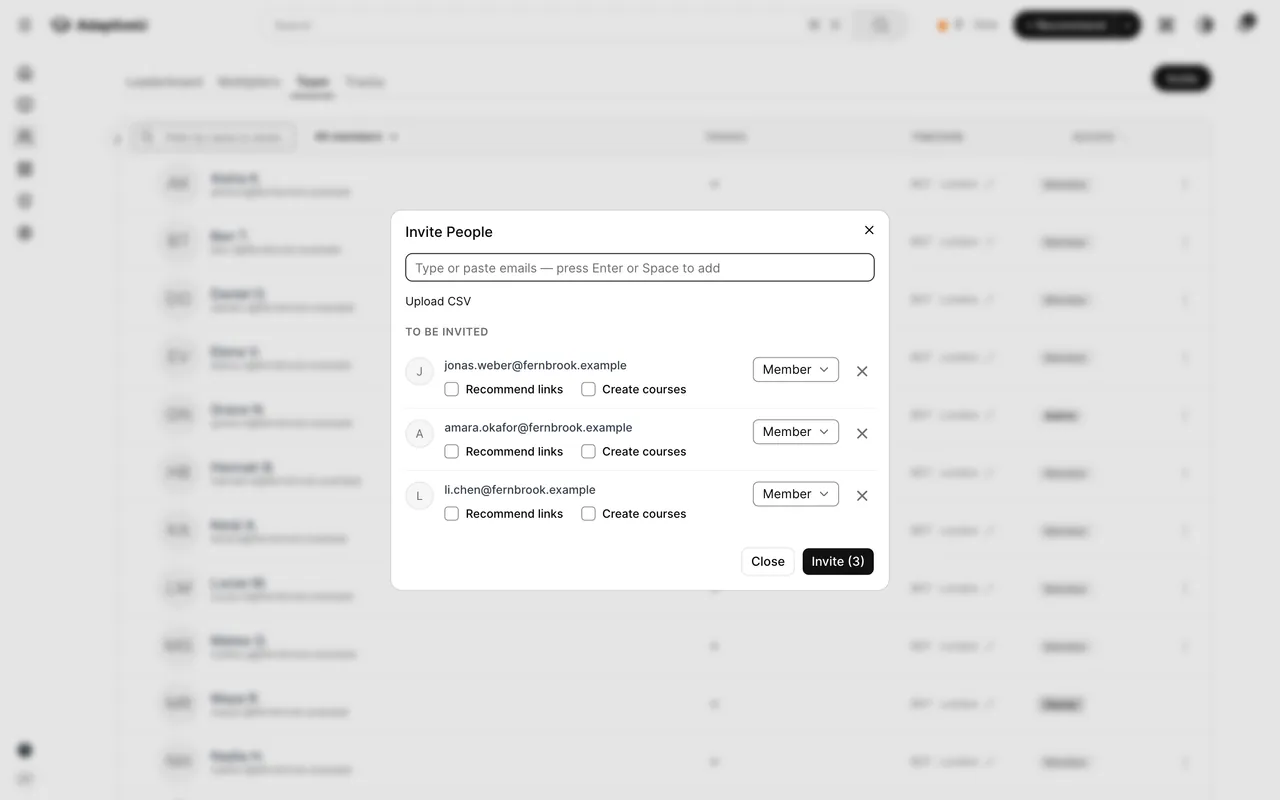
Let people in
Invite by email or CSV, or let anyone with your work email domain join on their own.
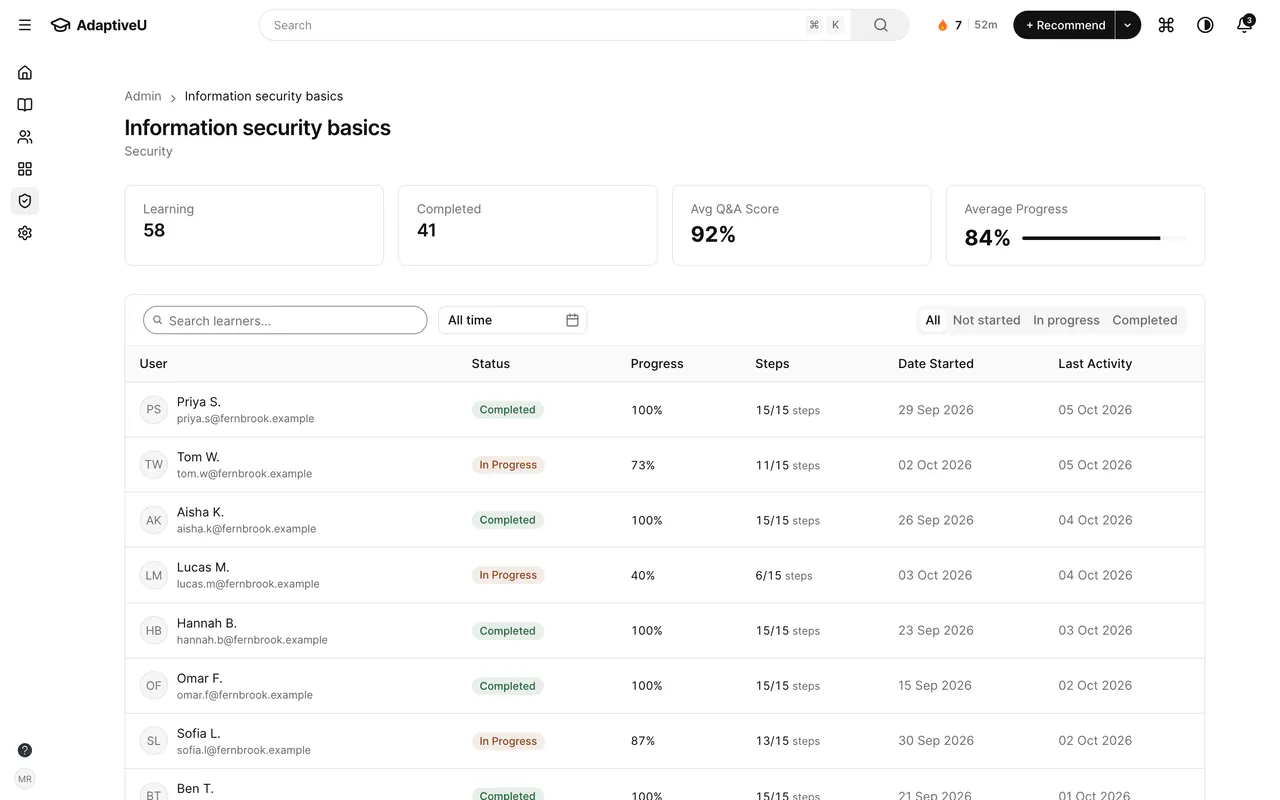
Check progress
Course reports show each new hire’s status and progress.
Built for the first weeks
Required courses
Required courses appear in every learner’s To Learn.
Due dates
Dates turn amber 7 days out and red when Overdue.
Tracks everyone is in
Add everyone to a track, including future joiners.
Join with work email
People with your company email join without an invite.
Course analytics
Average progress, quiz scores and a filterable learner table.
Completion certificates
Download a certificate with a unique ID, or print it.
Set up onboarding this week
Start free with up to 25 users, 5 courses and 3 tracks.
